Recording from todays AI session
 Recording from todays AI session

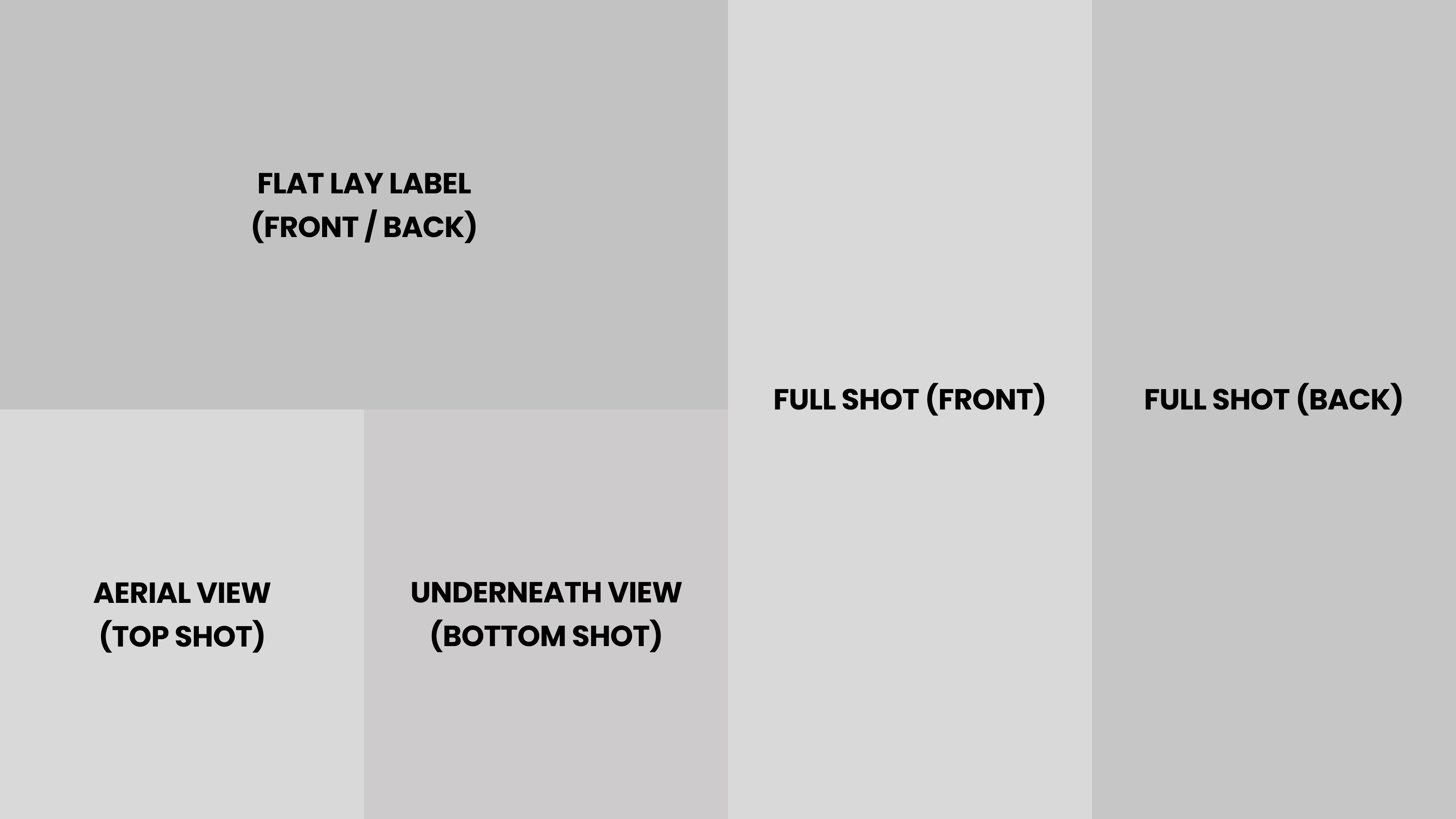
For who missed the session today you can see it here: https://fathom.video/share/7SyZTn2mhzXfoPWJj9Z868tY7hCjmWb7?timestamp=4214.9999
The powerpoint slides is attached here as well.
Below is the key takeways from the meeting:
Meeting Purpose
A beginner's guide to using AI for creative image and video generation.
Key Takeaways
Use LLMs for superior prompts: Use Claude or ChatGPT to structure your ideas into detailed, technical prompts, which significantly improves AI output quality and saves credits.
Start with a monthly subscription: Begin with a monthly plan for a platform like Hicksfield AI (~$30–$40) to test features and avoid being locked into a rapidly evolving tool.
Create character sheets for consistency: For video, generate a character sheet (multiple angles of a subject) and use it as a visual reference to prevent morphing and maintain identity across shots.
LumaLabs is a powerful free starting point: Its 3,000 free credits per account and voice-to-prompt feature (Whisperflow) make it ideal for learning without cost.
Topics
AI Platforms & Use Cases
Hicksfield AI & Freepik AI:
Recommendation: Start with one. They are all-in-one "AI suites" that include image and video generators.
Cost: ~$30–$40/month for unlimited image generation.
Hicksfield Sol: A unique feature for hyper-realistic, cinematic images.
LumaLabs.ai:
Recommendation: A powerful free starting point.
Credits: 3,000 free credits per account.
Key Feature: Whisperflow, which allows voice-to-prompt generation.
Video-Specific Platforms:
SeaDance 2.0: The current top platform for high-quality video.
Kling 3.0: A strong alternative, often integrated into suites like Hicksfield.
Cost-Saving Tip: If generating a lot of video, buy a separate Kling subscription. It's cheaper than using credits within a suite.
Image-Specific Platforms:
NanoBanana 2: High-quality, realistic images, especially for products.
Uni1 (via LumaLabs): Creates realistic, cinematic images with natural grain.
Midjourney: Generates unique, creative images; preferred by some agencies over NanoBanana.
Prompting with Large Language Models (LLMs)
Core Principle: Use LLMs (Claude, ChatGPT, Gemini) to translate your high-level ideas into the detailed, technical prompts that AI generators require.
Claude:
Recommendation: Currently the top-performing LLM.
Key Feature: Can upload PDFs (e.g., brand guides, film theory) to train it on specific knowledge, making it a powerful creative partner.
Prompting Workflow:
Idea: Describe your concept to the LLM in natural language.
Structure: Use a template to guide the LLM in creating a structured prompt with technical details (e.g., camera, lens, lighting).
Generate: Copy the LLM-generated prompt into the image/video generator.
Character Consistency for Video
Problem: AI video generation can cause characters to morph or distort between shots.
Solution: Character Sheets:
Process: Create a visual reference by generating multiple images of the same character from different angles (front, back, side).
Application: Use this character sheet as a visual reference when prompting for video to ensure the AI maintains a consistent identity.
Next Steps
Mamad:
Share the workshop recording, presentation, and prompt templates.
Participants:
Start with a free LumaLabs.ai account (3,000 credits) to experiment.
Consider a monthly Hicksfield AI subscription (~$30–$40) for unlimited image generation and access to video tools.
Use an LLM (Claude or ChatGPT) to structure prompts before generating images or videos.
The powerpoint slides is attached here as well.
Below is the key takeways from the meeting:
Meeting Purpose
A beginner's guide to using AI for creative image and video generation.
Key Takeaways
Use LLMs for superior prompts: Use Claude or ChatGPT to structure your ideas into detailed, technical prompts, which significantly improves AI output quality and saves credits.
Start with a monthly subscription: Begin with a monthly plan for a platform like Hicksfield AI (~$30–$40) to test features and avoid being locked into a rapidly evolving tool.
Create character sheets for consistency: For video, generate a character sheet (multiple angles of a subject) and use it as a visual reference to prevent morphing and maintain identity across shots.
LumaLabs is a powerful free starting point: Its 3,000 free credits per account and voice-to-prompt feature (Whisperflow) make it ideal for learning without cost.
Topics
AI Platforms & Use Cases
Hicksfield AI & Freepik AI:
Recommendation: Start with one. They are all-in-one "AI suites" that include image and video generators.
Cost: ~$30–$40/month for unlimited image generation.
Hicksfield Sol: A unique feature for hyper-realistic, cinematic images.
LumaLabs.ai:
Recommendation: A powerful free starting point.
Credits: 3,000 free credits per account.
Key Feature: Whisperflow, which allows voice-to-prompt generation.
Video-Specific Platforms:
SeaDance 2.0: The current top platform for high-quality video.
Kling 3.0: A strong alternative, often integrated into suites like Hicksfield.
Cost-Saving Tip: If generating a lot of video, buy a separate Kling subscription. It's cheaper than using credits within a suite.
Image-Specific Platforms:
NanoBanana 2: High-quality, realistic images, especially for products.
Uni1 (via LumaLabs): Creates realistic, cinematic images with natural grain.
Midjourney: Generates unique, creative images; preferred by some agencies over NanoBanana.
Prompting with Large Language Models (LLMs)
Core Principle: Use LLMs (Claude, ChatGPT, Gemini) to translate your high-level ideas into the detailed, technical prompts that AI generators require.
Claude:
Recommendation: Currently the top-performing LLM.
Key Feature: Can upload PDFs (e.g., brand guides, film theory) to train it on specific knowledge, making it a powerful creative partner.
Prompting Workflow:
Idea: Describe your concept to the LLM in natural language.
Structure: Use a template to guide the LLM in creating a structured prompt with technical details (e.g., camera, lens, lighting).
Generate: Copy the LLM-generated prompt into the image/video generator.
Character Consistency for Video
Problem: AI video generation can cause characters to morph or distort between shots.
Solution: Character Sheets:
Process: Create a visual reference by generating multiple images of the same character from different angles (front, back, side).
Application: Use this character sheet as a visual reference when prompting for video to ensure the AI maintains a consistent identity.
Next Steps
Mamad:
Share the workshop recording, presentation, and prompt templates.
Participants:
Start with a free LumaLabs.ai account (3,000 credits) to experiment.
Consider a monthly Hicksfield AI subscription (~$30–$40) for unlimited image generation and access to video tools.
Use an LLM (Claude or ChatGPT) to structure prompts before generating images or videos.

by Mamad Hormatipour
• 3 months, 1 week ago



Comments (0)
Sign in to join the conversation
No comments yet. Be the first to share your thoughts!